SUPPORT
The Post-Install Handover: What Your Pool Customers Need to Know
A successful pool handover transforms technical equipment into an intuitive, automated experience for the homeowner. By providing structured education and clear documentation, you reduce service calls and build lasting trust.
Industry
The Post-Install Handover: What Your Pool Customers Need to Know
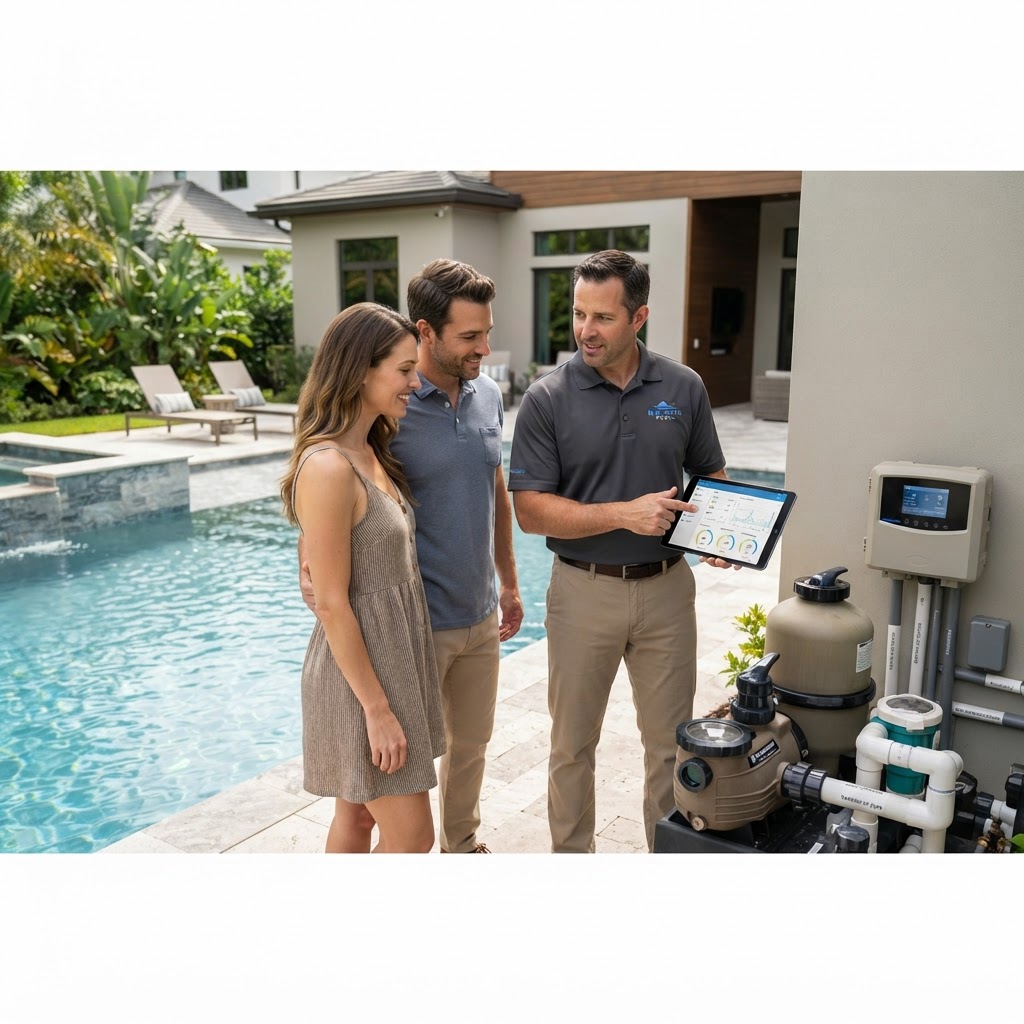
The final hour of a pool installation is often the most important for your reputation. When you hand over a system, you are transitioning from a builder to an advisor, and the effectiveness of this transition determines whether you receive a panicked call about a high-pressure reading or a glowing referral for your professional care.
The Psychology of a Successful Handover
Most homeowners feel intimidated by the complex plumbing and electrical setups at their equipment pad. Your job is to translate technical specifications into simple, repeatable user actions. If they don't understand the system, they will either ignore it until it breaks or over-adjust it, leading to chemistry issues. Position your handover as a structured education session rather than a quick sign-off. Use the Illuminex app to walk them through the interface in real-time, focusing on what they need to see daily versus what they should ignore. By demystifying the equipment, you foster confidence that minimizes avoidable service calls.
Mastering the Filtration and Circulation Cycle
Explain the role of the pump and filter as the heart and lungs of the pool. Homeowners often try to turn systems off to save money, not realizing the exponential cost of rectifying a green pool. Show them the specific flow rates on their AquaPump variable-speed pump. Instead of general advice, provide a concrete schedule: run the pump at a lower RPM for 8-12 hours a day to ensure consistent turnover. Use the Illuminex controller to lock in these cycles, explaining that consistency is the primary driver of water clarity and equipment longevity. Don't just explain the pump settings; show them exactly where to look for pressure gauge deviations on their AquaClear filter so they know when it is actually time to backwash or clean cartridges.
Demystifying Chemical Automation
Chemistry is the most common pain point for new owners. Shift the conversation from "balancing chemicals" to "monitoring automation." When you install an AquaChlor salt chlorination system, emphasize that it performs the heavy lifting for them. Show the customer how the system uses real-time sensors to maintain sanitizer levels. Explain the specific threshold for their salt cell and how the Illuminex interface provides an immediate alert if the system detects an abnormality. This turns a complex, multi-variable chemical puzzle into a simple, notification-based check. Your goal is to move them away from daily manual dosing and toward trusting the automated system to maintain the balance they need.
Proactive Seasonal Adjustments
Pools behave differently in July than they do in November. Provide your clients with a specific, seasonal "Quick Reference" card or a digital document they can save to their phones. For summer, focus on heat pump usage and increased filter runtime to handle higher debris loads. For winterization, provide a step-by-step list covering the blowout process, pump storage, and system power-down. If your clients are using the Illuminex app, show them how to save these different operational profiles so they can switch between "Summer Mode" and "Winter Mode" with a single tap. This eliminates guesswork and ensures the equipment is never operating outside of its ideal parameters.
Empowering Owners Through Troubleshooting
Teach your customers the difference between a minor maintenance task and a critical service call. A clogged basket is a DIY fix; an error code on a heater is a professional call. Walk them through the three most common scenarios:
-
Pump Basket Cleaning: Show them how to safely shut down power, bleed pressure, and clear debris.
-
Filter Pressure Checks: Teach them to recognize the "clean" baseline pressure and when a 10 PSI increase indicates a need for maintenance.
-
App Alerts: Explain how to read error messages on the Illuminex app and what specific codes require you to step in.
By establishing these boundaries, you save yourself from late-night calls for issues that the homeowner could have handled in thirty seconds.
The Post-Install Quick Reference Checklist
Before you leave the site, ensure your customer has a physical or digital copy of the following information to keep near the equipment pad:
-
System Baseline: A list of normal operating pressures for the filter and target pH/ORP levels for their AquaChlor system.
-
Equipment Map: A labeled photo of their specific plumbing, highlighting the location of isolation valves.
-
Quick-Fix Guide: A list of three common alerts (e.g., "Low Flow," "Check Salt") and the exact steps to clear them.
-
Service Contact: Your direct number for professional support.
-
Video Access: A QR code leading to a 3-minute video covering their specific system startup and shutdown procedures.
By providing this documentation, you demonstrate that you care about their long-term success, effectively turning the installation into a long-term business relationship.